Welcome to Our Company -


Showroom
(6)
(7)
(37)
(3)

(5)
(7)
(9)
(5)
(22)
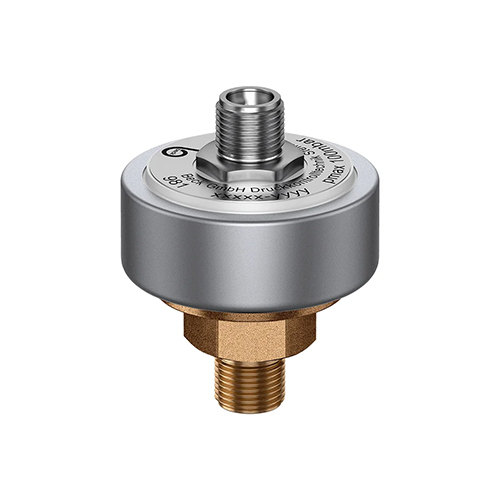
(7)
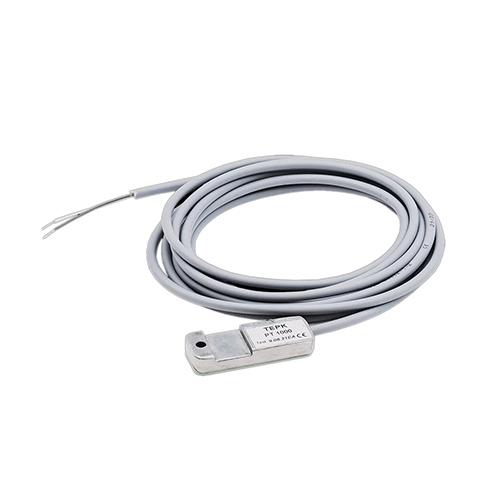
(9)
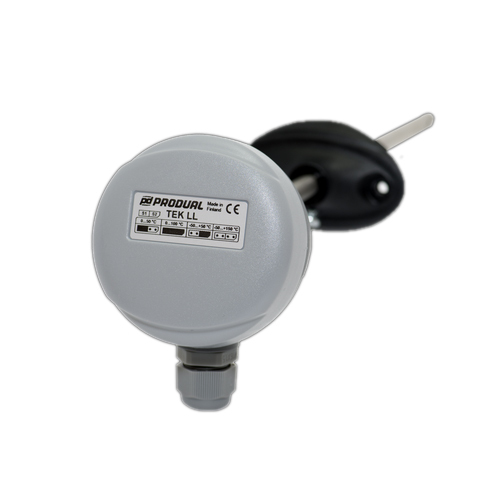
(11)
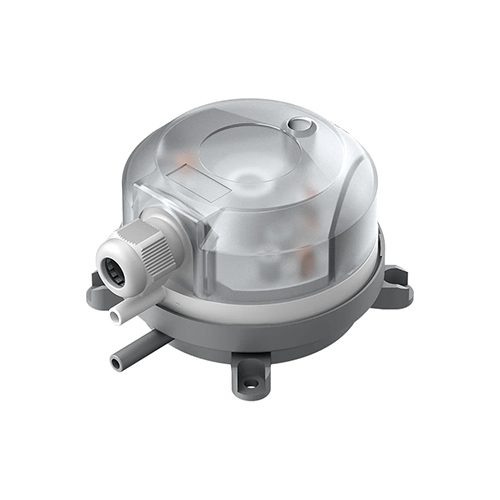
(6)
(2)
(6)
(4)
(11)
(13)
(4)
(5)
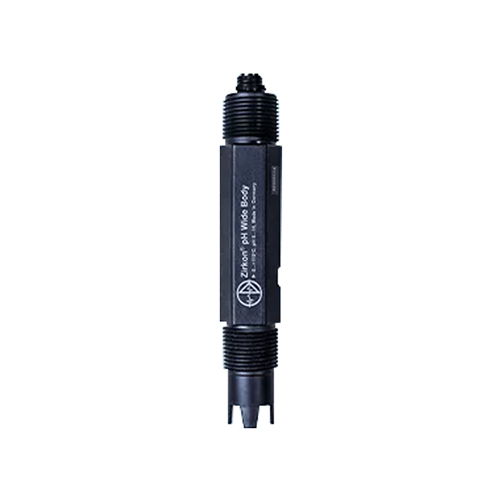
(6)
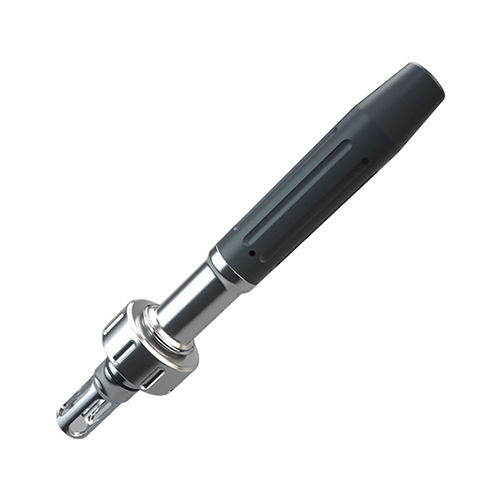
(1)
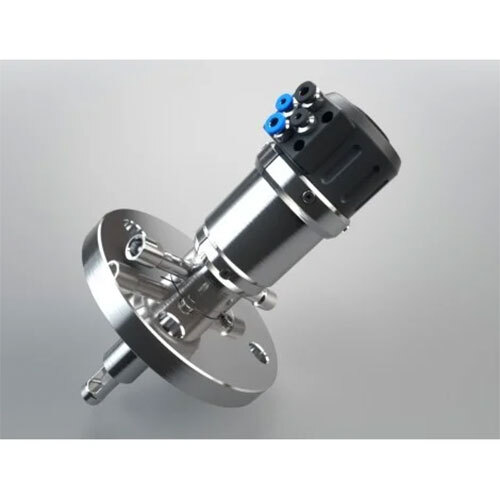
(4)
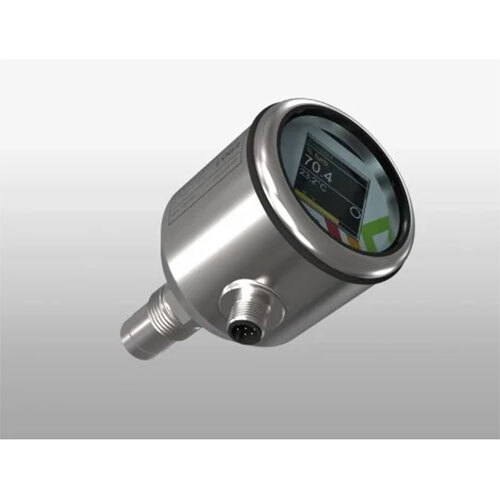
(5)
(9)
(5)

(2)
(2)
(3)

(3)
(3)
(4)
(5)
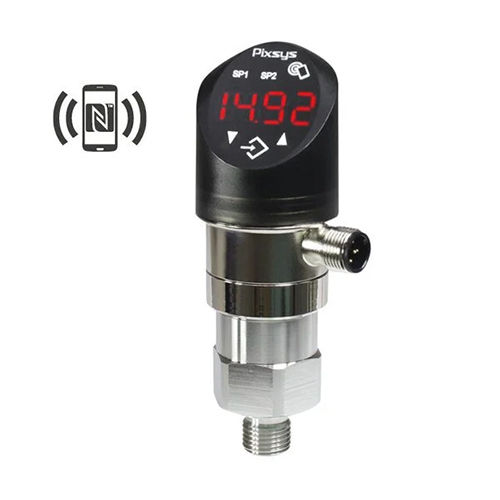
(2)
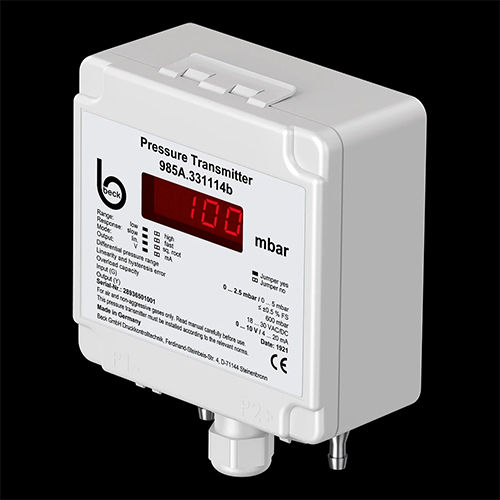
(10)
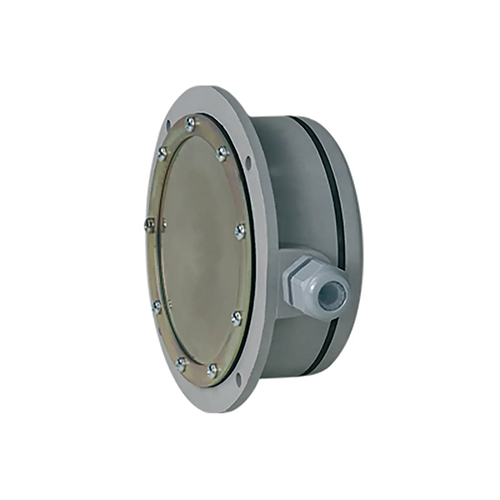
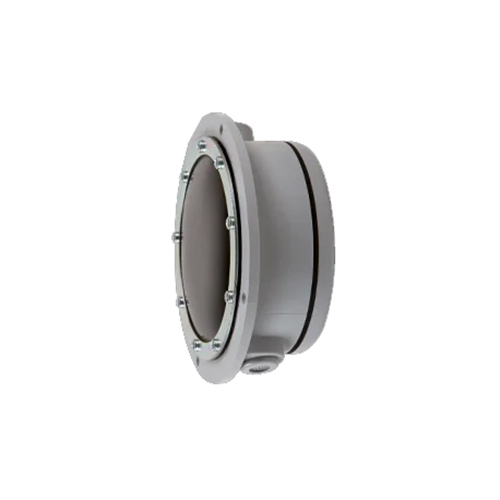
(3)
(7)
(7)
(3)
(3)
(3)
(3)
(3)
(2)
(2)
(3)
(2)
(13)
(4)
(3)
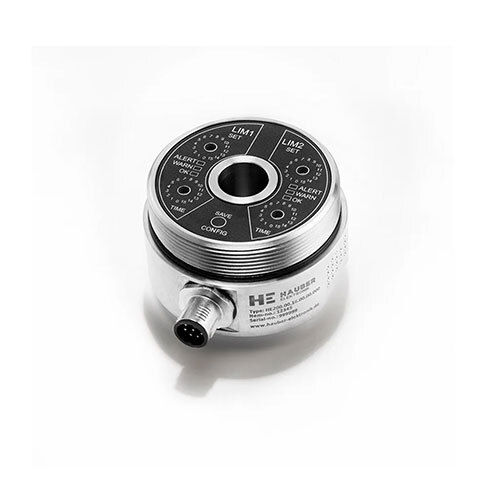
(9)
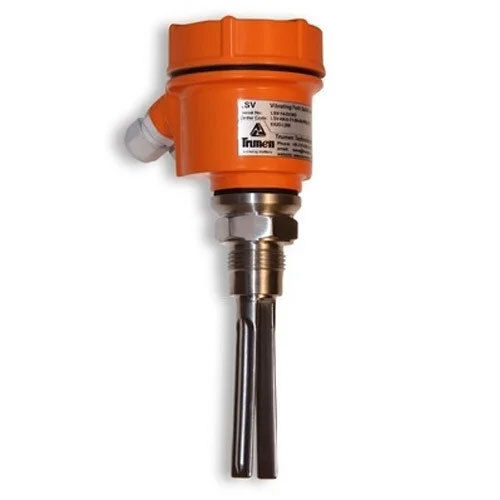
(16)
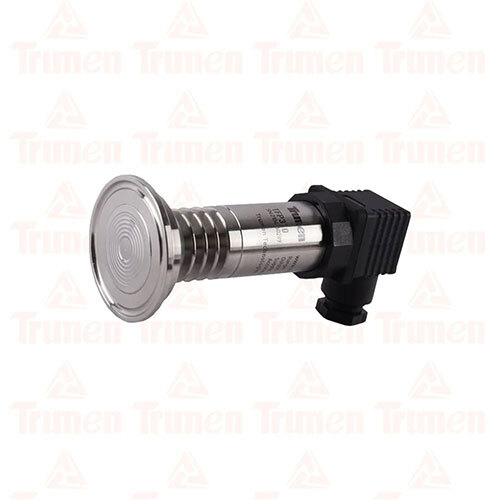
(3)
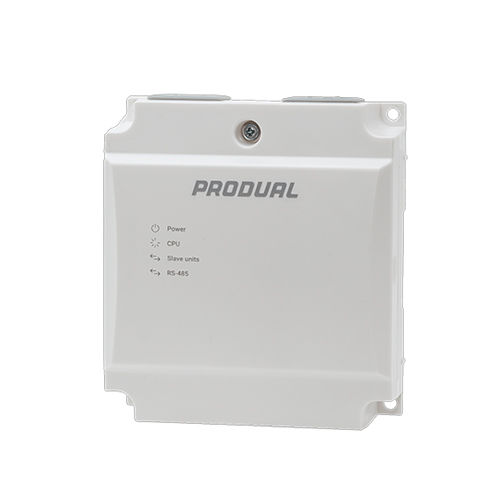
(7)
(3)



Contact Details

- Shop No: 303-304, Block - C, 3rd Floor, Pushp Business Campus, S P Ring Road, Vastral, Ahmedabad - 382418, Gujarat, India
- Phone : 08045478447
GST : 24AAJCP7915M1ZX

- Mr Ramnarayan Ajmera (Manager-Business Development)
- Mobile : 08045478447
- Send Inquiry
 Send Inquiry
Our Products
- Portable Temperature Datalogger
- Air Flow And Velocity Transmitter
- Vibration Sensors
- Differential Pressure Transmitter
- Wireless Sensors & Transmitters
- Digital Manometer
- Low Pressure Generator & Calibrators
- Chart Recorder
- Pressure Gauge
- Temperature & Humidity Transmitter
- Carbon Dioxide Transmitter
- VOC Transmitter
- Infrared Temperature Sensors And Pyrometers
- Pressure Transmitter
- RTD Temperature Probes
- Temperature Transmitters
- Differential Presure Switch
- Indicator Controller Transmitters
- Level Transmitter Solid & Liquid
- Milk Silo Level Transmitters
- Point Level Switch - Solid & Liquid
- Pressure Switch
- Flow measuring Devices (Pitot Tube)
- Ozone Analyzer
- Inline Optical Brix Transmitter
- PH-ORP Electrode
- pH Probe housings & accessories
- Probe Housing
- Turbidity Sensor
- Temperature And Humidity Transmitter
- Infrared Temperature Sensors
- Process PID Controller
- Profile Controllers
- Control Unit Of Pneumatic Retractable Ph Housings
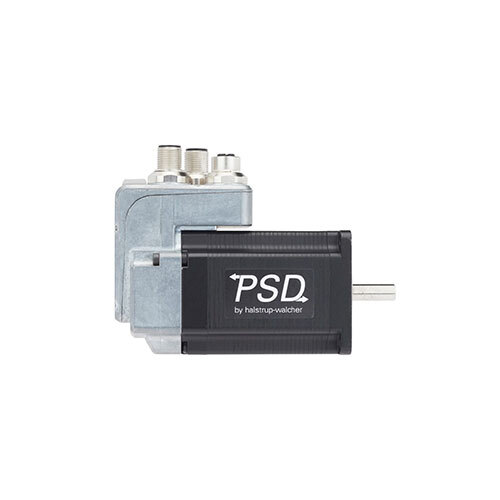
- Smart Positiong Drive
- Thyristor Power Controller
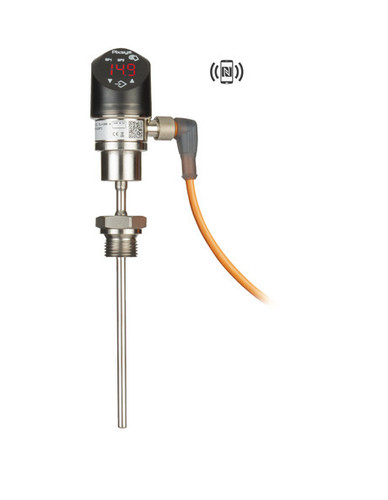
- Digital Temperature Switch
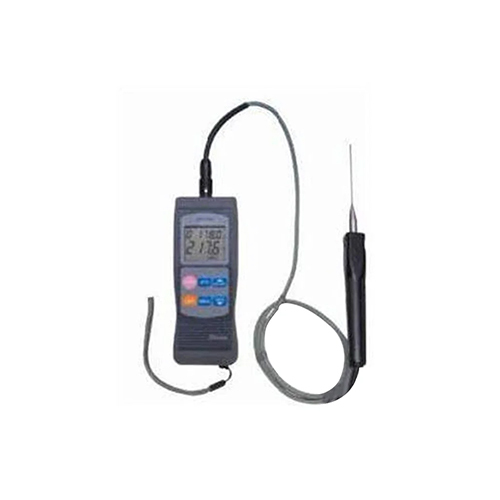
- Handheld Digital Probe Thermometer
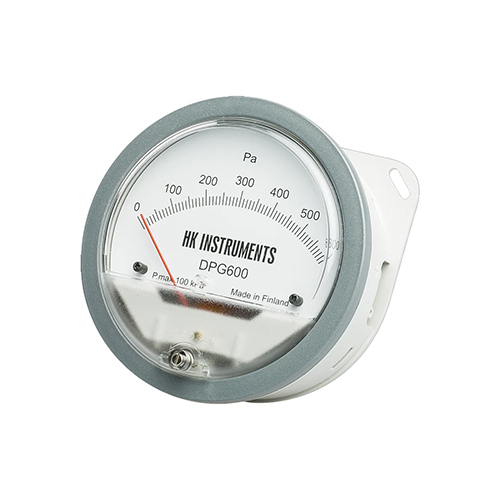
- Differential Pressure Gauge
- Digital Differential Pressure Gauge
- Gas Pressure Switch
- Vacuum Pressure Switches
- Boot Level Switch
- Hydrostatic Level Transmitter
- Pendulum Level Switch
- Clean Room Differential Pressure Indicator
- Differential Pressure & Flow Controller
- Pressure Gauges
- Digital Electronic Pressure Switch
- Draft Pressure Transmitter
- Chute Jam Level Switch
- Overflow Switch for Screw-Chain Conveyor
- Air Flow Switch
- Averaging Flow Sensor
- Plug-in Type
- Terminal Block Type
- Flow Indicators & Totalizer
- Portable Air Velocity meter
- Stack Air Velocity Transmitter
- Broken Bag Leak Detector
- Carbon Dioxide Transmitters
- Conductivity Transmitters
- Dissolved Oxygen Analyzer
- Duct smoke detector
- Filter monitoring
- Inline Process Refractometer
- Inline Total Solid (TS) Transmitter
- Optical Density Transmitter (Biomass)
- Immersion fittings
- Retractable housings - manual
- Retractable housings - pneumatic
- Static probe housings
- pH Transmitter & Controller
- Solid Flow Monitor
- Stack Dust Monitor (QAL 1 Certified)
- Indoor Air Quality Transmitter
- Particulate Matter Transmitter
- Digital Process Indicator
- Loadcell Indicator
- Hiperdrive Positioning Systems
- Positioning Systems 3 Series
- Other Positioning Systems
- ATEX Boot Level Switch
- ATEX Broken Bag Leak Detector
- ATEX Flameproof Air Differential Pressure Switch
- ATEX IR Temperature Sensors
- ATEX Membrane Level Switch
- ATEX Pendulum Level Switch
- ATEX Pressure Switch 901P EX
- ATEX vibration sensor
- Flameproof Level Switches & Transmitters
- Flameproof Pressure Transmitter
- Building Controllers
- Digital Portable Manometer
- ORP Transmitters
- Free Chlorine Analyzer
- Total Chlorine Analyzer
- Chlorine Dioxide Analyzer
- Integrated BLDC Motor
- ATEX Differential Pressure Switch 930 EX
- CO2 Transmitter
 Send Inquiry
 Send SMS
 Call Me Free
PARSHVI TECHNOLOGY (INDIA) PRIVATE LIMITED
All Rights Reserved.(Terms of Use)
Developed and Managed by Infocom Network Private Limited.
Developed and Managed by Infocom Network Private Limited.


